mkdir /opt/fogwget https://github.com/FOGProject/fogproject/archive/stable.tar.gz; tar xzf stable.tar.gz
tar xzf inclue dans la commande de téléchargement.
cd /opt/fog/fogproject-stable/bin./installfog.shWhat version of Linux would you like to run the installation for?
1) Redhat Based Linux (Redhat, Alma, Rocky, CentOS, Mageia)
2) Debian Based Linux (Debian, Ubuntu, Kubuntu, Edubuntu)
3) Arch LinuxFOG Server installation modes:
* Normal Server: (Choice N)
This is the typical installation type and
will install all FOG components for you on this
machine. Pick this option if you are unsure what to pick.
* Storage Node: (Choice S)
This install mode will only install the software required
to make this server act as a node in a storage group
More information:
http://www.fogproject.org/wiki/index.php?title=InstallationModes
What type of installation would you like to do? [N/s (Normal/Storage)]NWe found the following interfaces on your system:
* ens38 - 172.26.4.13/21
* ens34 - 172.28.0.1/24
Would you like to change the default network interface from ens38?
If you are not sure, select No. [y/N] yWhat network interface would you like to use? ens34Would you like to setup a router address for the DHCP server? [Y/n] YWould you like to setup a router address for the DHCP server? [Y/n] y
What is the IP address to be used for the router on
the DHCP server? [172.26.7.254] 172.28.0.1Would you like DHCP to handle DNS? [Y/n]YWhat DNS address should DHCP allow? [91.216.43.69]1.1.1.1Would you like to use the FOG server for DHCP service? [y/N]yThis version of FOG has internationalization support, would
you like to install the additional language packs? [y/N]yUsing encrypted connections is state of the art on the web and we
encourage you to enable this for your FOG server. But using HTTPS
has some implications within FOG, PXE and fog-client and you want
to read https://wiki.fogproject.org/HTTPS before you decide!
Would you like to enable secure HTTPS on your FOG server? [y/N]NWhich hostname would you like to use? Currently is: Fog.Buch.local
Note: This hostname will be in the certificate we generate for your
FOG webserver. The hostname will only be used for this but won't be
set as a local hostname on your server!
Would you like to change it? If you are not sure, select No. [y/N]y
Which hostname would you like to use? baudiment.greta.localFOG would like to collect some data:
We would like to collect the following information:
1. OS Name (CentOS, RedHat, Debian, etc....)
2. OS Version (8.0.2004, 7.2.1409, 9, etc....)
3. FOG Version (1.5.9, 1.6, etc....)
What is this information used for?
We would like to simply track the common types of OS
being used, along with the OS Version, and the various
versions of FOG being used.
Are you ok with sending this information? [Y/n]Y######################################################################
# FOG now has everything it needs for this setup, but please #
# understand that this script will overwrite any setting you may #
# have setup for services like DHCP, apache, pxe, tftp, and NFS. #
######################################################################
# It is not recommended that you install this on a production system #
# as this script modifies many of your system settings. #
######################################################################
# This script should be run by the root user. #
# It will prepend the running with sudo if root is not set #
######################################################################
# Please see our wiki for more information at: #
######################################################################
# https://wiki.fogproject.org/wiki/index.php #
######################################################################
* Here are the settings FOG will use:
* Base Linux: Debian
* Detected Linux Distribution: Debian GNU/Linux
* Interface: ens34
* Server IP Address: 172.28.0.1
* Server Subnet Mask: 255.255.255.0
* Hostname: baudiment.greta.local
* Installation Type: Normal Server
* Internationalization: Yes
* Image Storage Location: /images
* Using FOG DHCP: Yes
* DHCP router Address: 172.28.0.1
* Send OS Name, OS Version, and FOG Version: No
* Are you sure you wish to continue (Y/N) Y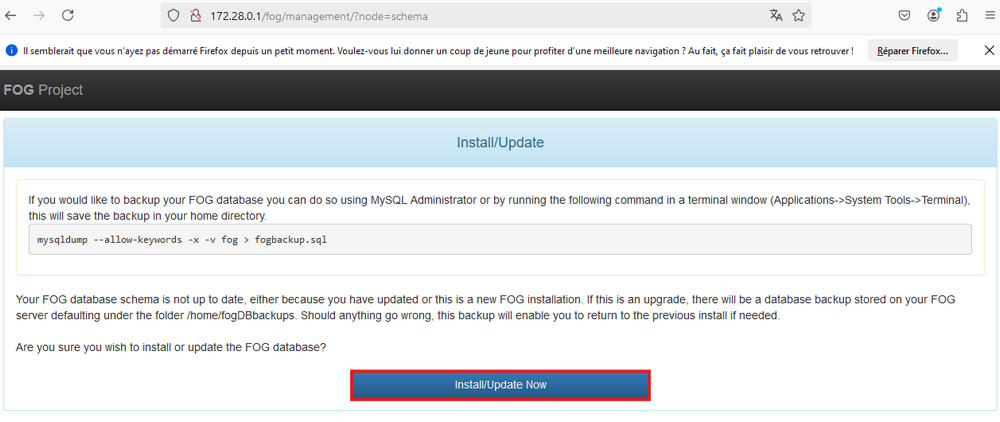
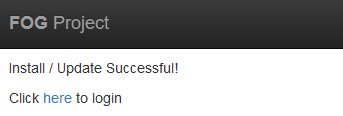
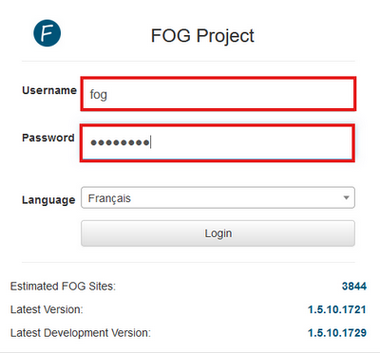
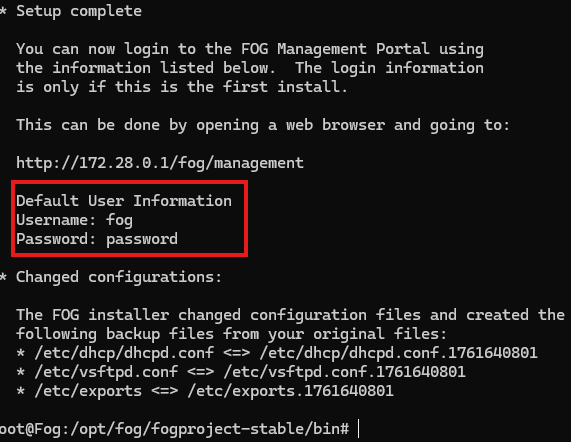
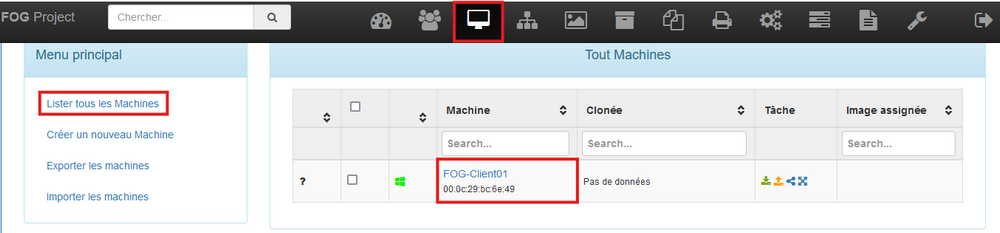
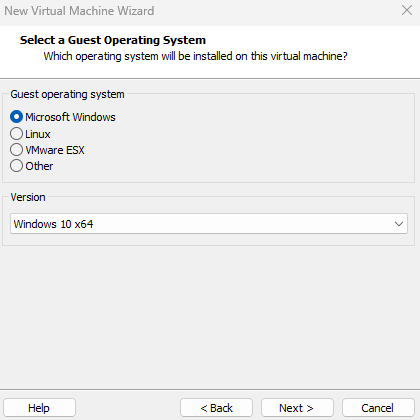
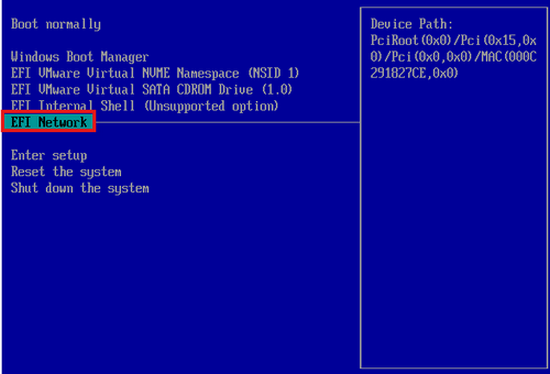
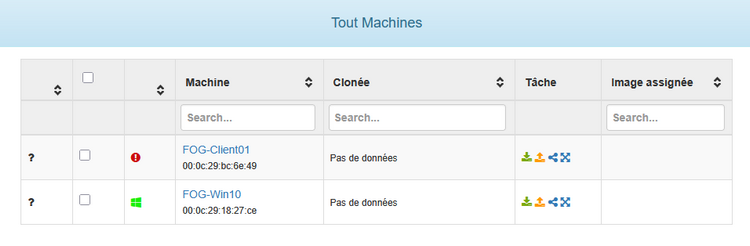
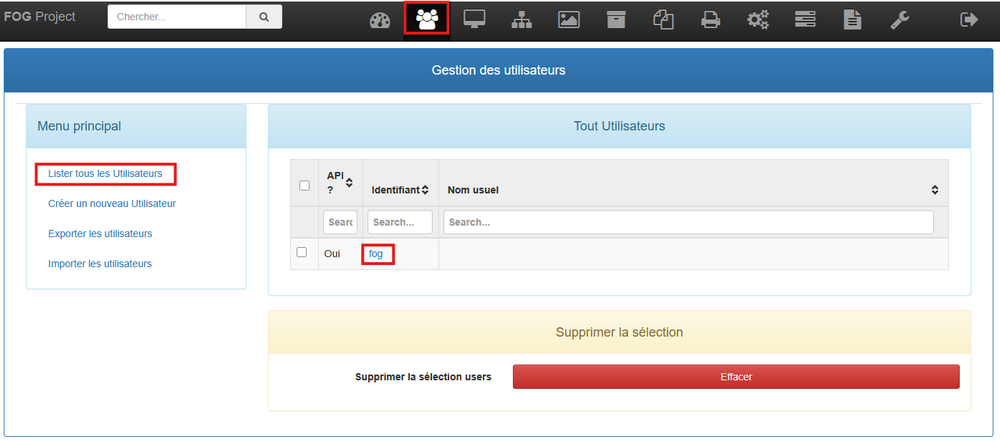
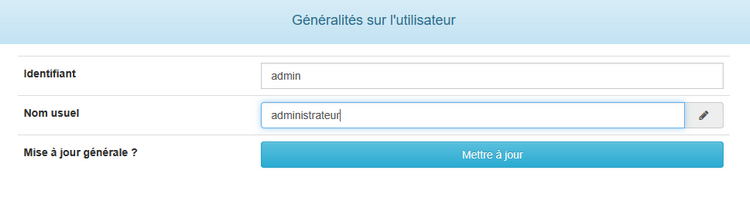
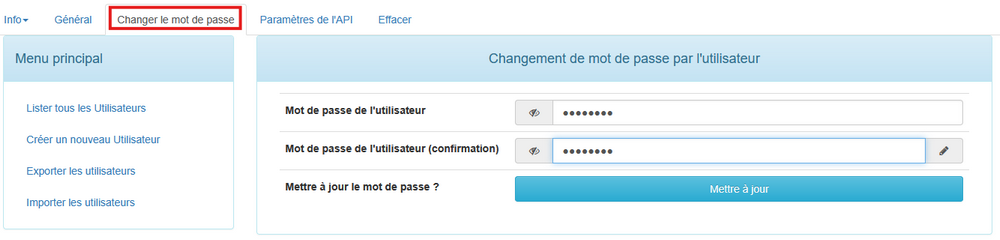
Pour sécuriser l’accès nous allons modifier le login de l’utilisateur admin par défaut. Pour rappel, l’utilisateur par défaut est fog avec pour mot de passe password.
Nous allons maintenant créer notre première image système afin de la répliquer sur les machines vide.
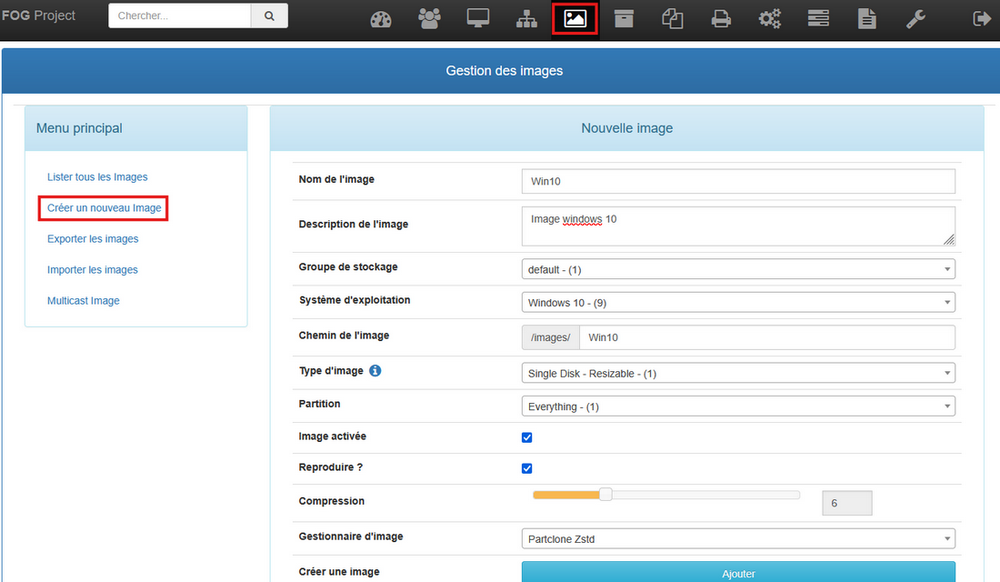
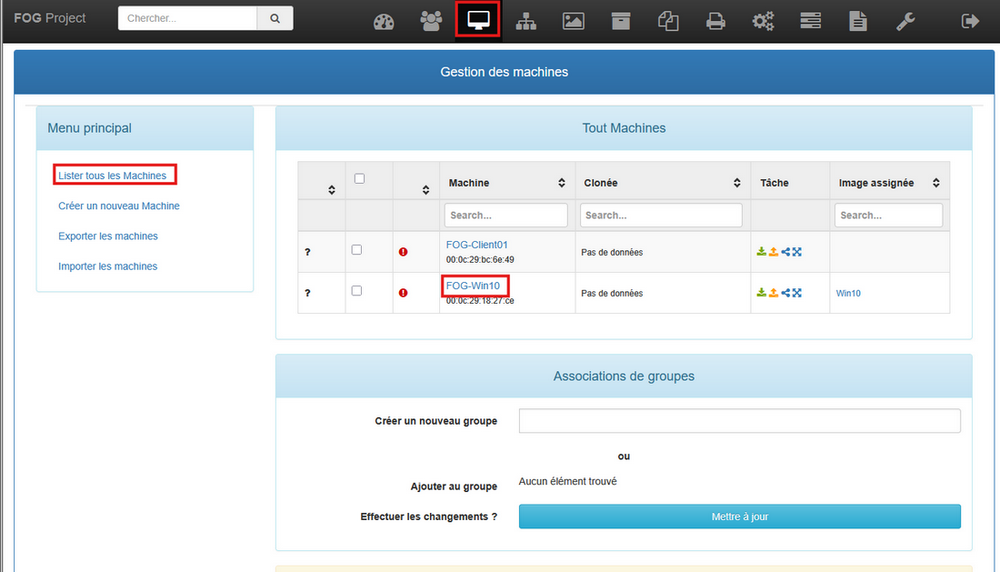
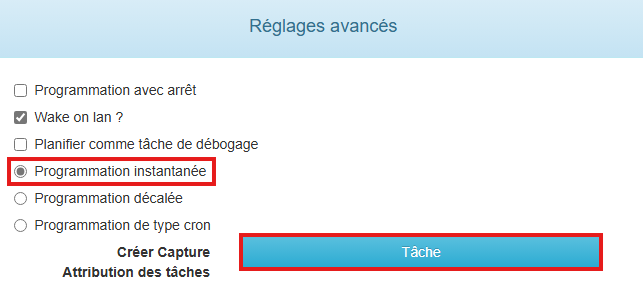
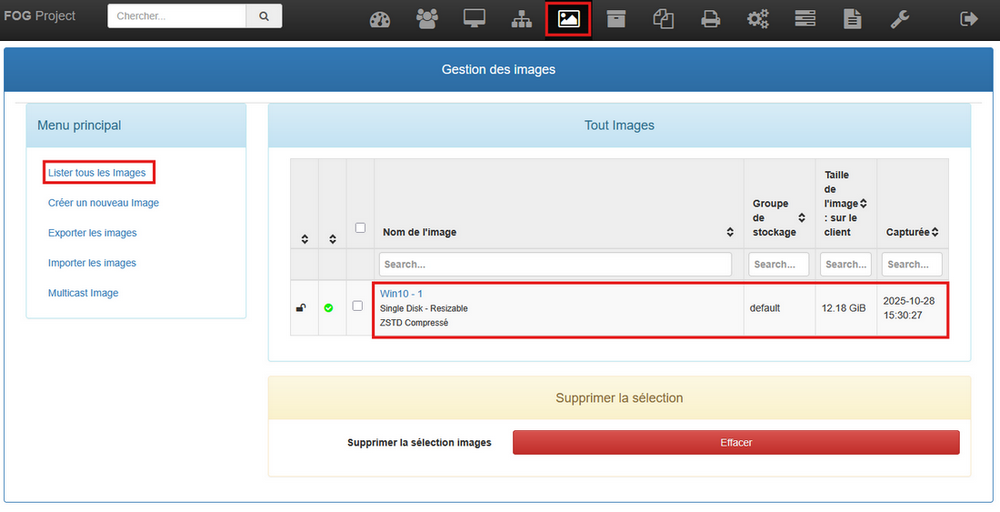
cd /images
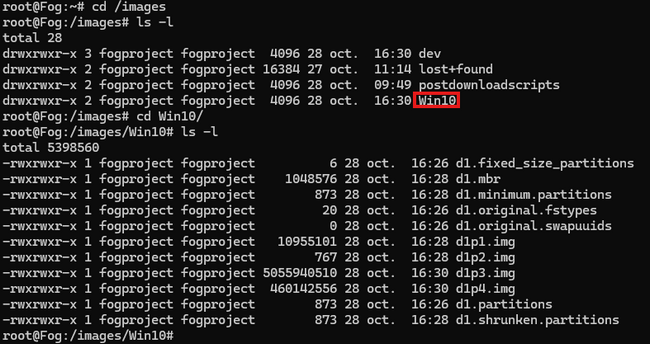
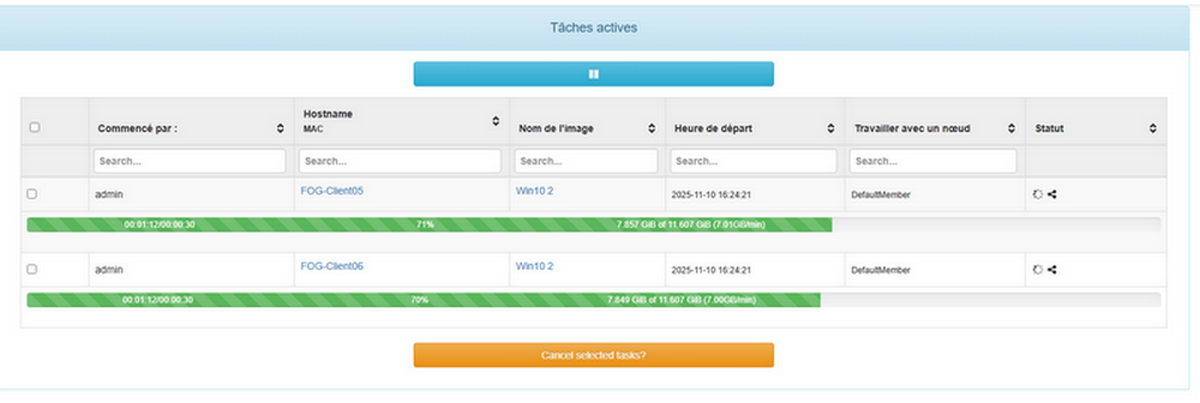
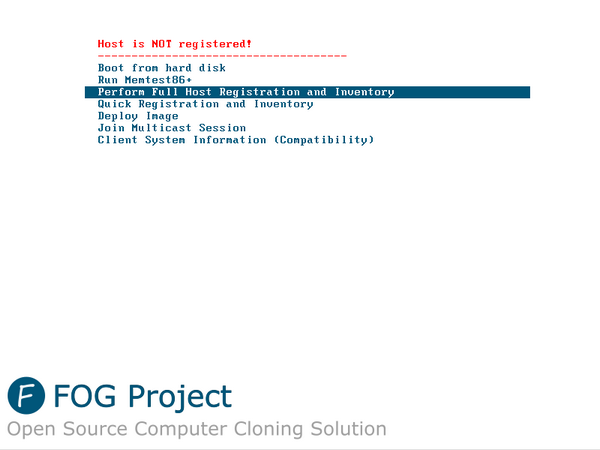
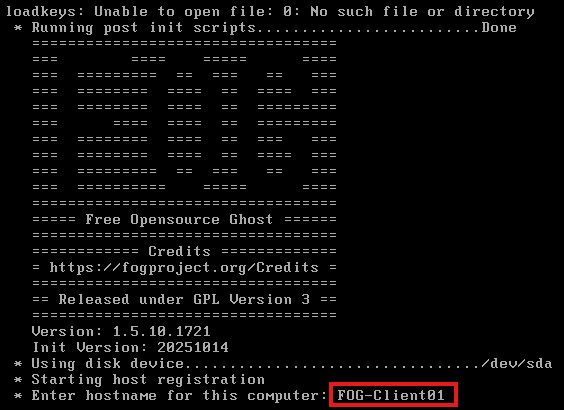
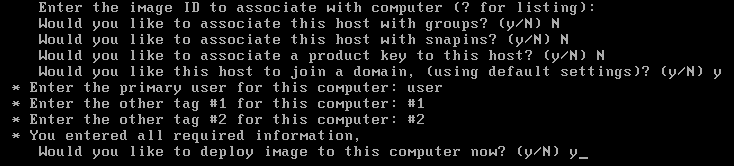
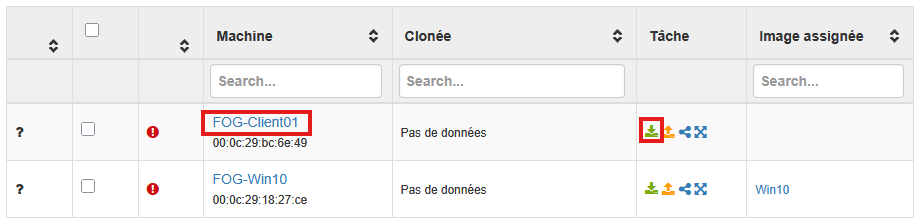
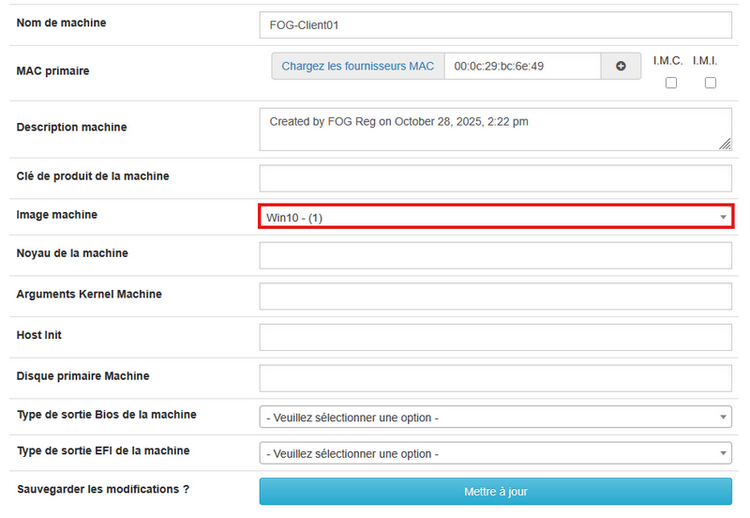
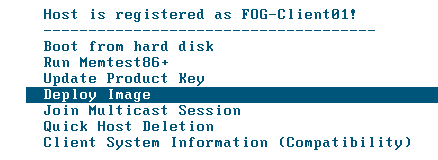
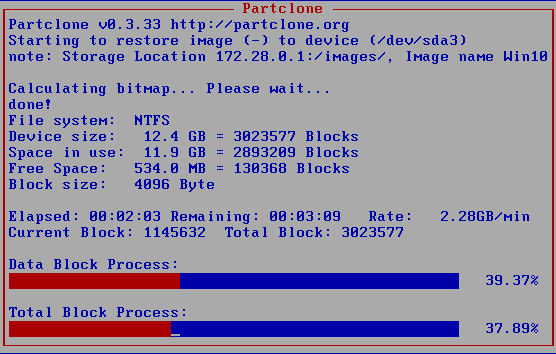
Maintenant que l’image est créé, nous allons la déployer sur une des machines vides préparées au préalable.
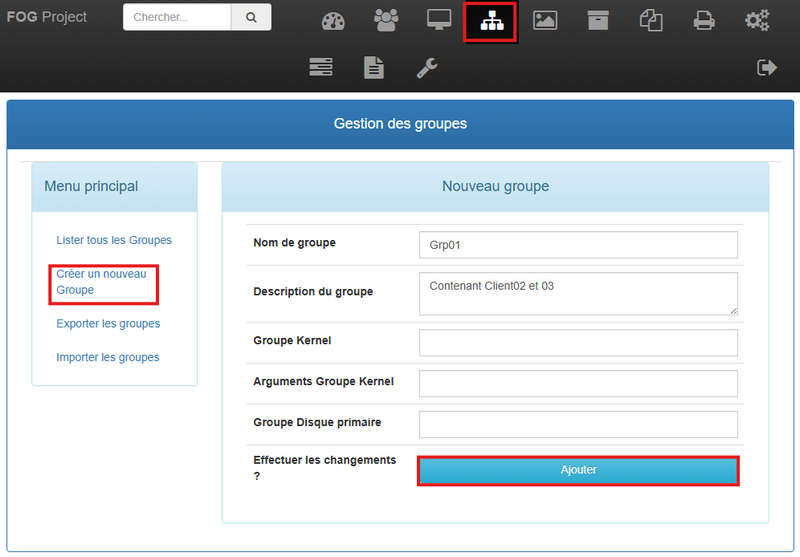
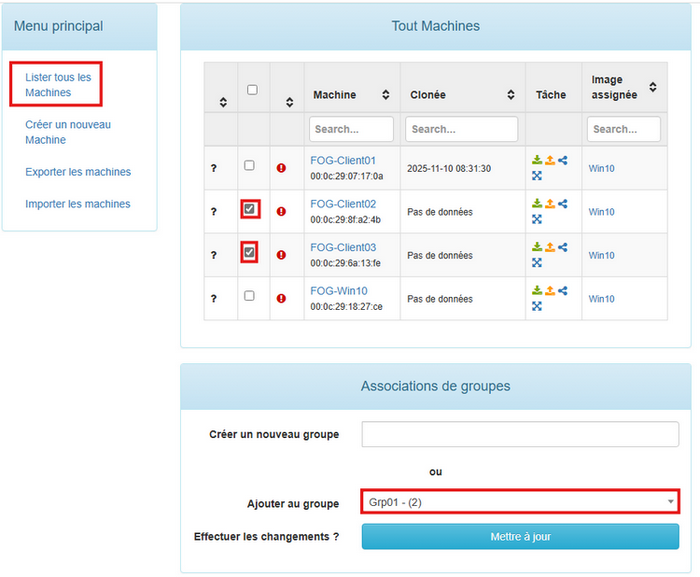
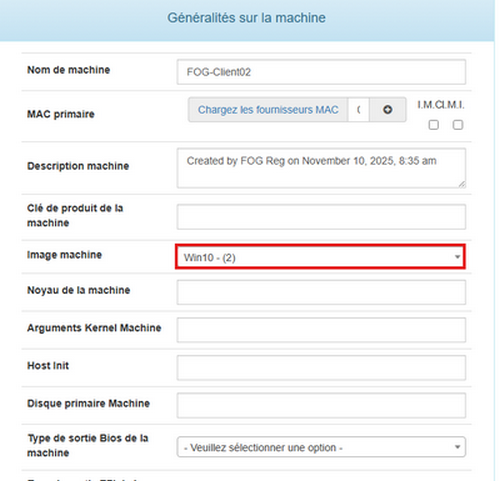

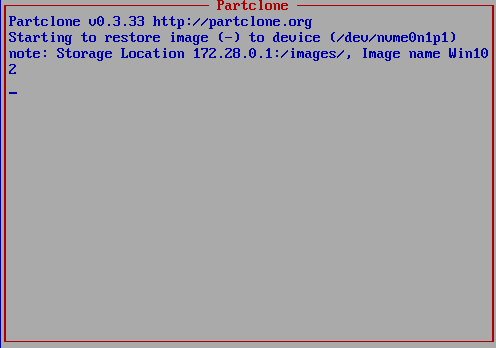
root@Fog:/home/cedric# ls /opt/fog/log/
fogimagesize.log   fogscheduler.log   fogsnapinrep.log  multicast.log            pinghost.log
fogreplicator.log  fogsnapinhash.log  groupmanager.log  multicast.log.udpcast.1  servicemaster.log
root@Fog:/home/cedric# cat /opt/fog/log/multicast.log
[11-10-25 10:40:28 am] *Unable to locate udp-sender !.
root@Fog:/home/cedric# which udp-sender
/usr/sbin/udp-senderln -s /usr/sbin/udp-sender /usr/local/sbin/udp-sendersystemctl restart FOGMulticastManager